miércoles, 27 de mayo de 2020

LINUX. RDP. UBUNTU. Remote Desktop. xrdp


Purpose

Configure graphical linux remote sesions. 


Steps

Command: ip a
Description: Check IP linux address


Command: uname -a
Description: Linux version


Comamnd: sudo apt-get update
Description: update system


Command: sudo apt-get install xrdp
Description: Install rdp program


Command: sudo systemctl enable xrdp
Description: activate rdp service


Command: systemctl status xrdp
Description: Check rdp status


Command: (In Windows) mstsc
Description: Open rdp client


Put user linux and password:


Access to linux GUI Desktop


Some times when you contect to Ubuntu server only can view a Black screen, the cause is that you connect with user root, try connect with other user with less privileges

Check at Ubuntu 20.04 
by GoN | Published: May 27, 2020 | Last Updated: May 29, 2020

miércoles, 20 de mayo de 2020

WINDOWS AND LINUX. Folder access problems share and local. folder is not available. If the location is on this computer


Purpose


Acces a folder created and share in a linux server fron a Windows system (local and net)

Explanation


I share a HD with NTFS format from Linux samba to Windows Clients. When the Windows clients try access some folders have access errors, if I try connect with a Linux client I don't have problmes.

I have gone crazy until I have found a pattern and I have solved it, it has taken me several days to test.


English msg error:


"not available. If the location is on this computer, make sure the device or drive is connected or the disc is inserted, and try again. If the location is on a network, make sure it is connected to the network or the Internet, and then try again. If you still can't find the location, it might have been moved or removed."

Spanish msg error:


" no está disponible. Si la ubicación está en este equipo, asegúrese de que el dispositivo o la unidad esté conectado o que el disco esté insertado, e inténtelo de nuevo. Si la ubicación está en una red, asegúrese de que esté conectado a la red o a Internet, y después inténtelo de nuevo. Si aún así no encuentra la ubicación, esta podría haberse movido o eliminado."


Solution: Rename the folder name WITHOUT dot "." at the end from linux system


by GoN | Published: May 20, 2020 | Last Updated:

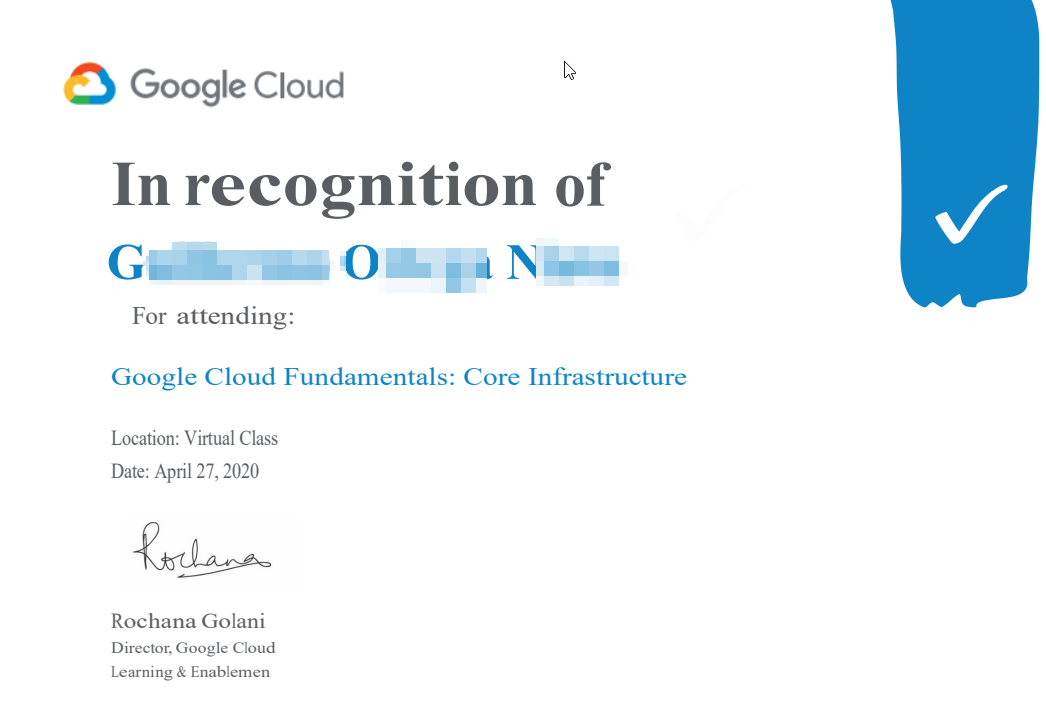
Google Cloud Fundamentas. Core Infrastructure

New training to add to my profile


by GoN | Published: May 20, 2020 | Last Updated: